VST34.9
Distortion
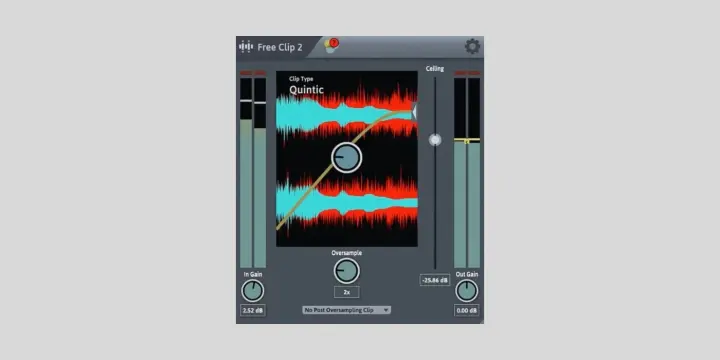
Free Clip 2
by Venn Audio
Best Overall · ★★★★★ 4.
FreeView details
Home / Plugins / Distortion / RazorClip
by Analog Obsession
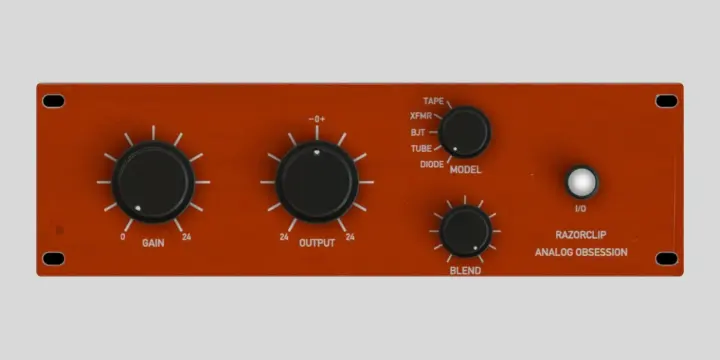
5/5 If you want a free clipper that adds character rather than staying invisible, RazorClip is the one. Analog Obsession released it in early 2026, and instead of one clean curve, it models five circuit types (tape, transformer, BJT, tube, and diode), each with its own harmonic signature and transient feel. That variety is why I use it in a mix rather than on a master. The transformer and tape models thicken a bass or a bus gently, the tube setting has a nice weight on drums, and the diode mode is the most restrained.
The Blend knob runs any of them in parallel, so you can keep the dry punch and add just a little grit on top. I like it as the color stage in a two-clipper chain, with a clean clipper doing the actual peak control. Unfortunately, there is no oversampling. 1 kHz, you can get aliasing, which is why I keep it for character work and switch to a transparent clipper when I need clean loudness. It is also Windows and macOS only; it needs a Metal-capable GPU on Mac, and the Blend control can let the wet signal poke above 0 dBFS if you are not watching the output.
Best for: adding analog-style warmth and drive to drums, bass, and buses. Analog, 5 circuit models · Windows and macOS · VST3, AU, AAX · no oversampling. Verdict: the most characterful free clipper, as long as you treat it as color and not a mastering peak stop.
Links to bedroomproducersblog.com — the article includes the official download links.
Distortion
by Venn Audio
Best Overall · ★★★★★ 4.
Distortion
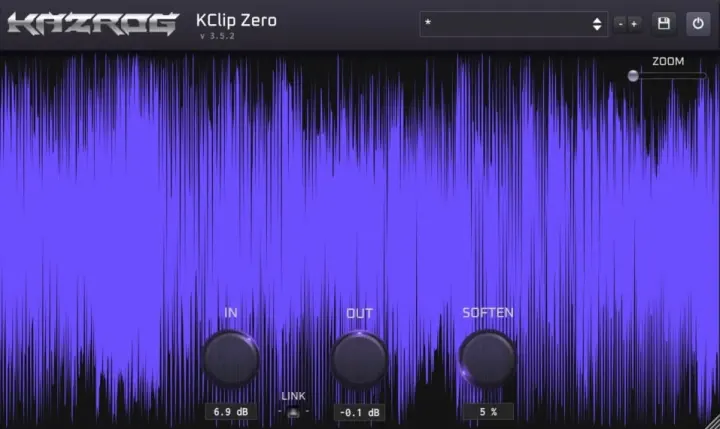
by Kazrog
Best for Mastering · ★★★★★ 4.
Distortion
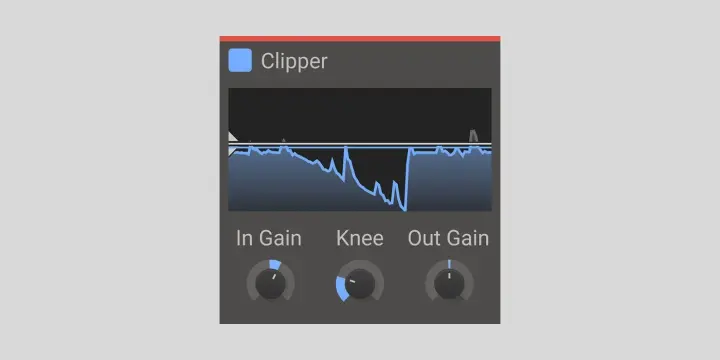
by Kilohearts
Best for Drums · ★★★★★ 4.
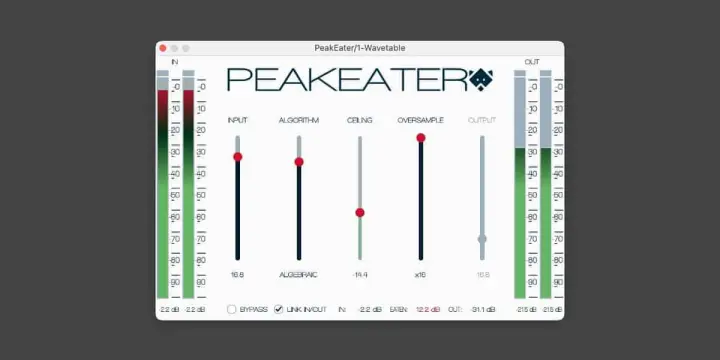
Distortion
by Vladyslav Voinov
Best Open-Source · ★★★★★ 4.
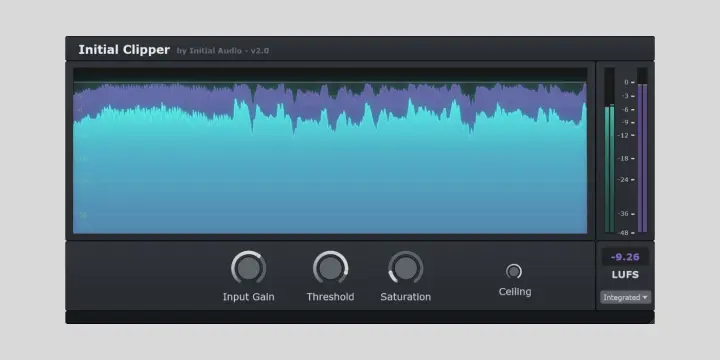
Distortion
by Initial Audio
Best Metering · ★★★★☆ 4.
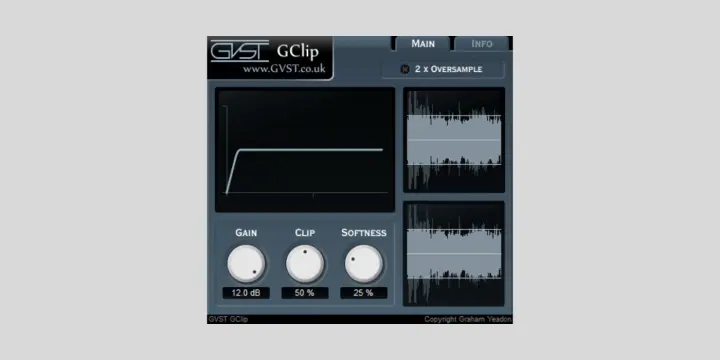
Distortion
by GVST
Best CPU-Light · ★★★★☆ 4.